Logistics management platform
Your own riders and your courier partners, in one system.
An all-encompassing logistics management platform that helps retailers and brands deliver a delightful post-purchase experience, hyperlocal delivery through your own riders, plus integrated carrier partners, managed from one admin portal.
7-day trial · Hosting & uptime guarantee · SLA adherence
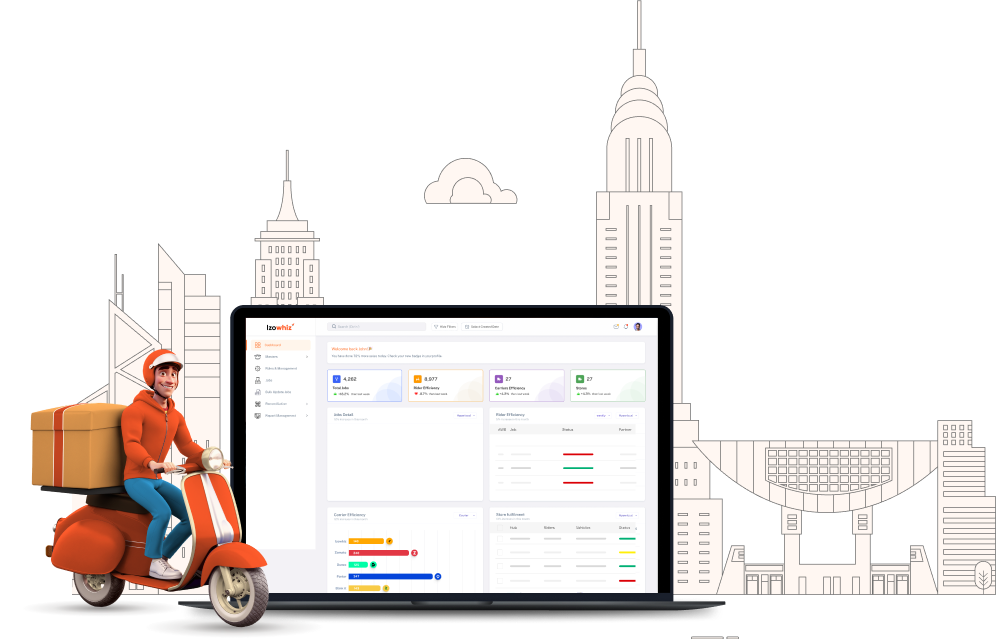
One system, both fleets
Hyperlocal and courier, side by side
Own riders and integrated carrier partners in one platform. A rule engine and an ML model pick the partner per order.
Hyperlocal
Smart rider assignment based on availability, vehicle capacity, and hub coverage.
Carrier partners
Multiple couriers active at once, compared on serviceability, ETA and cost.
Returns & exchange
Returns accepted at the door with a reason. Exchange data on the rider's screen.
COD & reconciliation
Cash collected per job, reconciled hub-wise or in bulk, with a report at close.
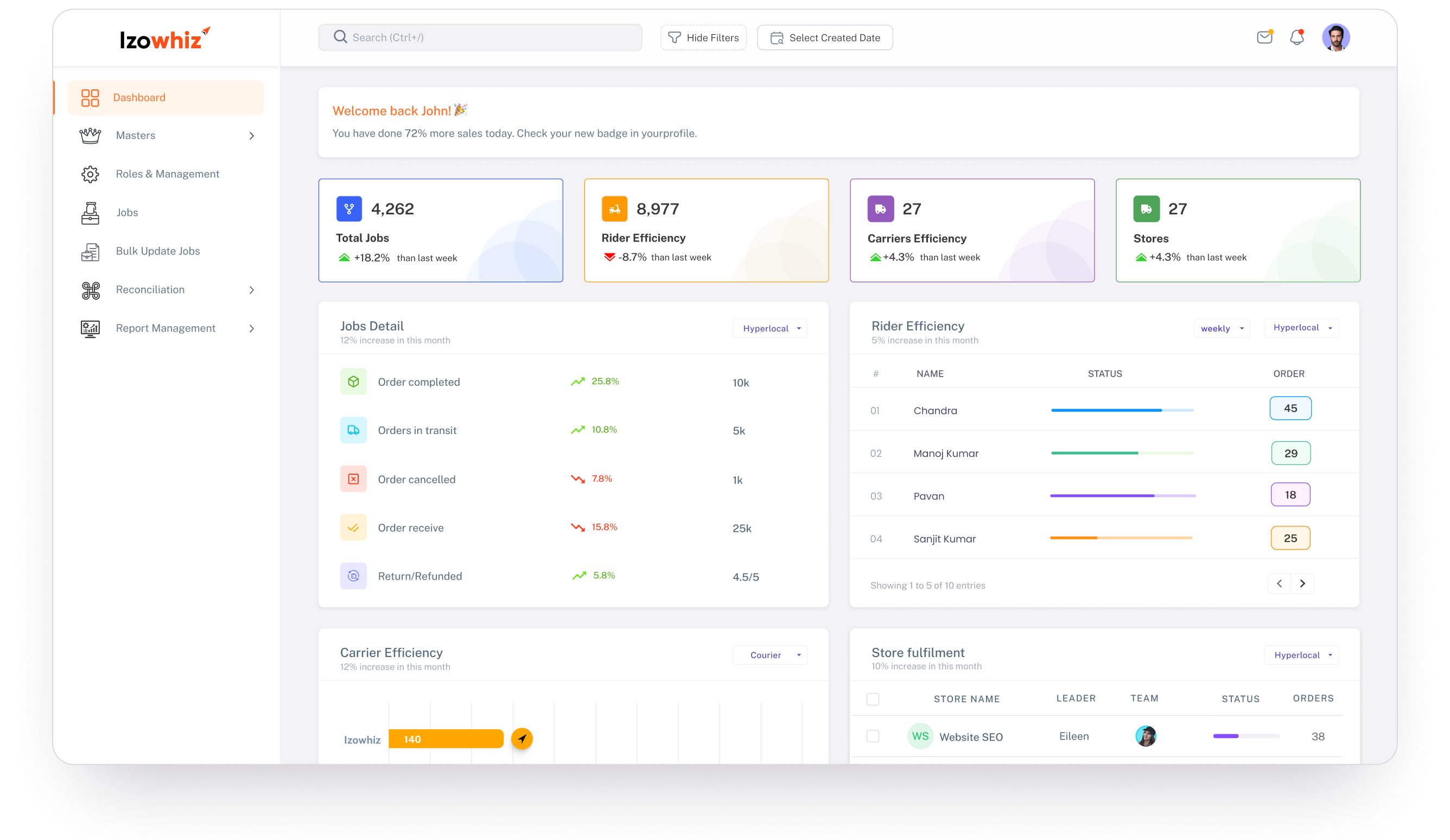
Analytics dashboard
One screen the dispatcher never closes
Jobs across both fleets, rider availability and the exception queue in one view, visualisations and key metrics, without waiting for a report.
Rider app + admin portal
Two surfaces, one source of truth
The rider app is custom-branded with your logo and logs in by password or OTP; the admin portal is where the rules, the masters and the reconciliation live.

2
Fleets, one system
15 min
Auto-assign cycle
Value proposition
What the rider actually gets
A custom-branded app that carries the whole job (order type, proof, cash and customer contact), with the admin portal watching rider status in real time.
- Your brand, on their phoneCustom app with your logo, password or OTP login, and separate job listings per status. COD, prepaid and exchange orders are visibly different before the rider knocks.
- Proof that holds upOTP-based delivery, with images uploaded at delivery and at return pickup, all visible in job details. Failed drops carry an RTO reason.
- Cash that reconciles itselfCOD collected per job rolls into hub-wise reconciliation (in bulk or one at a time) with a reconciliation report at the end.
- Customer contact, protectedRiders call the customer from inside the app. Mobile number masking (in progress) keeps personal numbers out of view.
Configure → assign → settle
One handover chain, no re-keying
Business users set the rules once. The system then checks serviceability, scores the partner, and carries the job through to a reconciled settlement without anyone retyping it.
Stage 01 · Configure
Hubs, vehicles, riders, rules
Every master lives in the admin portal. A hub's serviceable distance decides whether an order runs hyperlocal or goes to a courier, so the routing decision is made at setup, not at dispatch.
- Multiple hubs or stores, each with a serviceable distance
- Vehicles mapped to hubs, capacity driving order counts
- Riders set with service start and end times
- Status master and status sequence mapped to your OMS
Stage 02 · Assign
Checked, scored, assigned
A rule engine and an ML model choose the delivery partner together. Serviceability is checked first, then ETA and cost are compared across every active courier.
- Serviceability checked before any assignment
- ETA and cost compared across active couriers
- Auto-assignment runs every 15 minutes
- Routes optimised for faster, cheaper delivery
Stage 03 · Deliver & settle
Delivered, proved, settled
The rider updates status from the app. Proof images, return reasons and collected cash all land against the job, and supervisors can push statuses in bulk by file upload.
- OTP-based delivery with images per job
- Returns accepted at the door with a reason
- RTO raised with a reason when nobody is home
- COD reconciled hub-wise, in bulk
One system · hyperlocal and courier jobs together · carrier statuses arriving automatically by webhook or cron · AWB updates pushed back on their own
Route optimisation
Fewer kilometres, faster deliveries
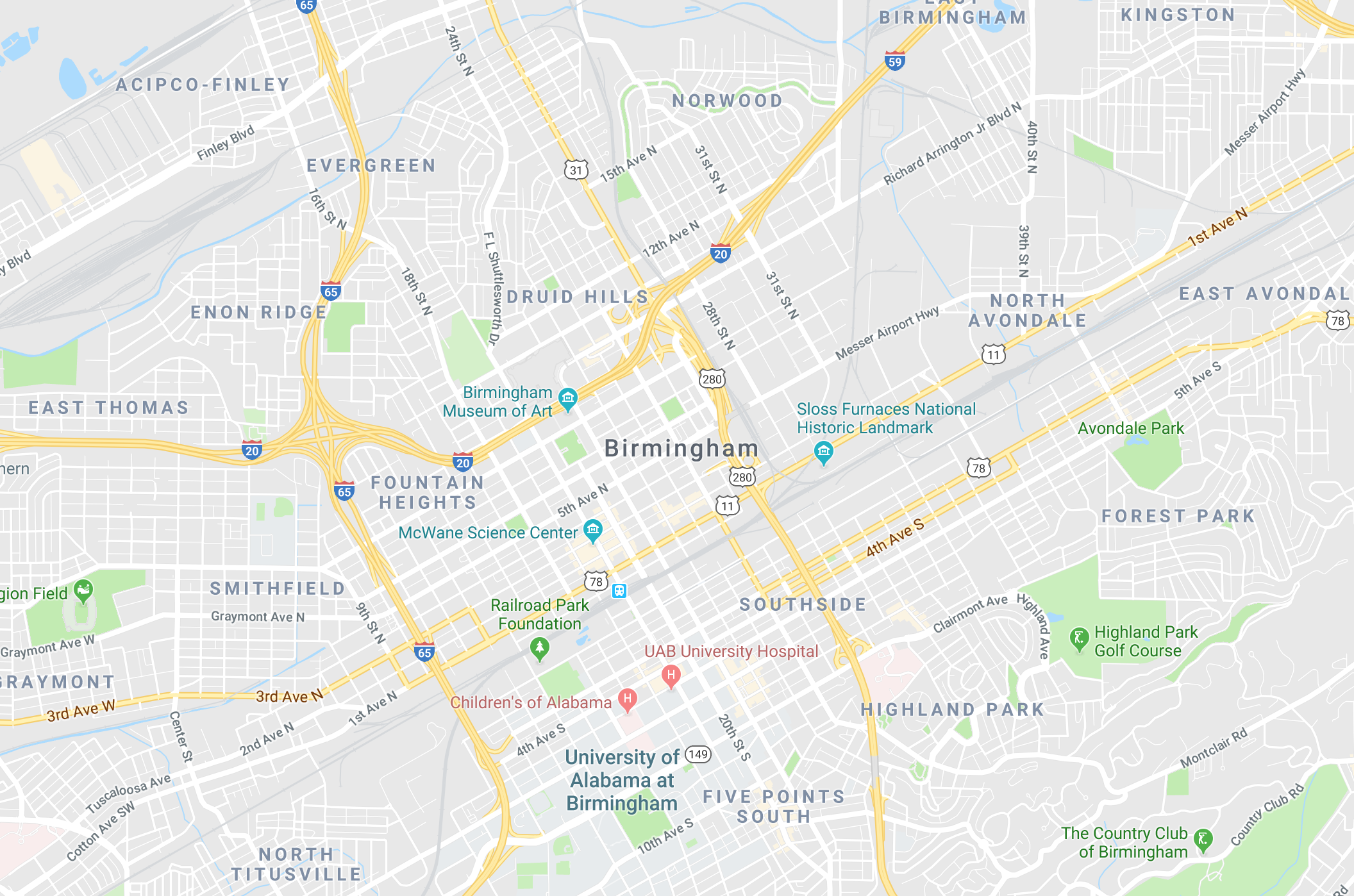
Route optimisation sequences jobs so deliveries land faster and cost less to run, the same drops, in an order a person would not have picked.
Sequenced by hand
Baseline · illustrative
Distance
49.7 km
Riding time
2h 41m
Slot misses
3
Solved by Izowhiz · illustrative
Distance
40.8 km
Riding time
2h 12m
Slot misses
0
Customer notifications
Told before they have to ask
Customers hear from you under your own brand name, and carrier statuses arrive in the system automatically, so nobody has to call in to find out where a parcel is.
Under your brand name
[Your brand] Order #JOB-88291 is out for delivery today. Track it here: izowhiz.link/t/88291
- Dispatch
- Status update
- Delivered
Carrier status, synced
Statuses from every carrier partner arrive in the system on their own, by webhook or cron, depending on the partner. AWB numbers update the same way. When a partner is unavailable, a manual courier name, AWB and tracking URL can be entered by hand.
- Webhook
- Cron
- Manual AWB
Secure by default
Customer data
Customer information is held securely. Mobile number masking (in progress) will let riders call without ever seeing the number.
- Secure data
- Number masking
- In progress
Admin portal
Configured by your business users, not a support ticket
Every master in Izowhiz is created and edited from the admin portal, hubs, vehicles, riders, statuses, roles and the assignment rules themselves.
Hub & store creation
Create as many hubs or stores as you need. The serviceable distance set on each one decides whether an order is treated as hyperlocal or handed to a courier.
- Multi-hub
- Serviceability radius
Vehicle creation
Vehicles are created and mapped to hubs. Capacity determines how many orders a rider is given at once.
- Mapped to hub
- Capacity-based
Rider creation
Riders carry a service start and end time plus an active or inactive status. Track whether a rider is free or mid-delivery, and see them go offline when they leave.
- Service window
- Live status
Status master
Create new statuses against your OMS status master and activate them when needed, then map the sequence jobs move through.
- OMS-aligned
- Sequence mapping
Roles & access
Identity and access management with role-based user creation, hub access, admin access, or something narrower like hub-creation only.
- IAM
- Role-based
Shipper config
Business users set their own rules for hyperlocal and carrier assignment. Auto-assignment then follows those rules, with no engineering involved.
- Self-serve rules
- Rule engine


Mapped to your operations
Tailor Izowhiz to Your Business
See how Izowhiz maps to your hubs, your riders and your carrier partners, backed by hosting and uptime guarantees, SLA adherence, dedicated technical support and continuous upgrades on a published roadmap.
Book a demo